
Calculate the project
Run exercise
To calculate the predicted potential of the selected locations, click Run exercise in the top-right corner of the screen.

The calculation time depends on the number of sites included in the exercise. As a guideline, the calculation takes approximately 1 hour for 100 sites. This means that an exercise with 500 sites will take around 5 hours.
Once the calculation is complete, you will receive an email notification.
Important
During the batch calculation, the Data Management will be blocked for all users that have access to it.
All users will see a notification indicating that user X is running an Optimize calculation. A progress bar will show the estimated remaining calculation time.
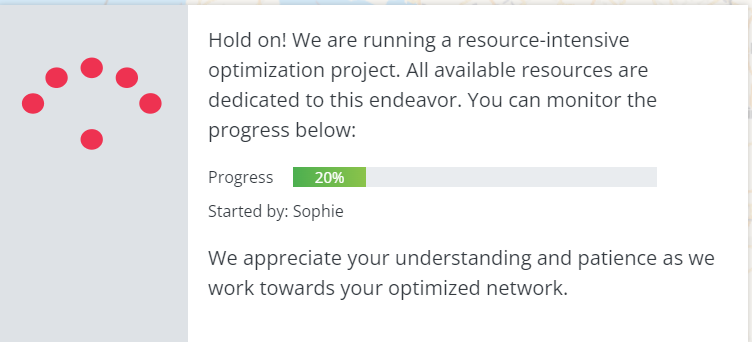
Other Optimize calculations started by other users or yourself during the Optimize batch run will be placed in a waiting queue. These calculations will automatically resume once the Optimize run has finished.
If the calculation fails for one location in the list, the batch will continue for the remaining locations.